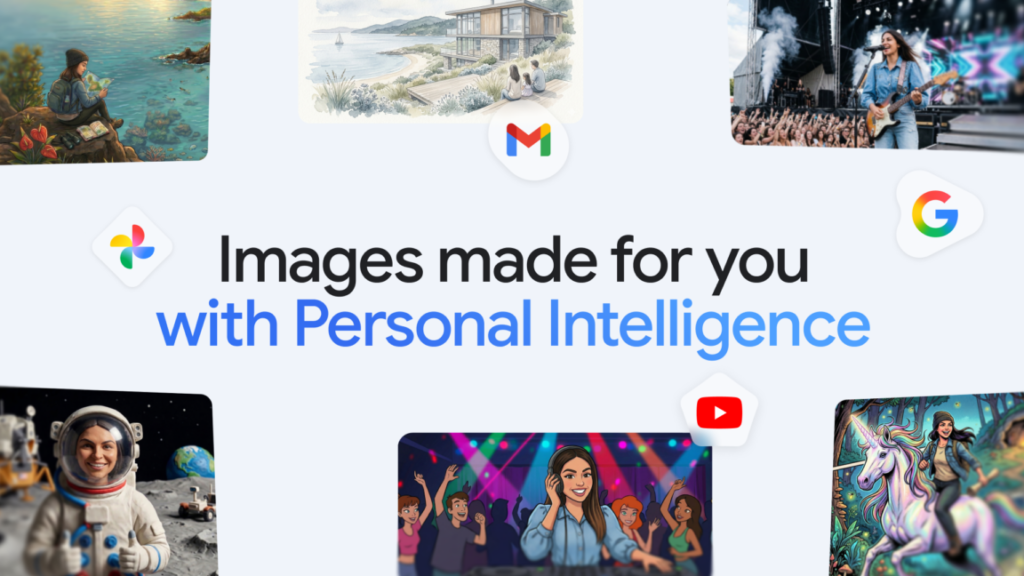

Google started rolling out what it calls “personal intelligence” in Gemini earlier this year. The idea was simple: let the AI know who you are, and it tailors responses accordingly. Today, that feature is getting a direct line to Google Photos.
If you opt in, Gemini’s image generator—Nano Banana 2, which I think is one of the better options out there right now—can access your photo library and the labels attached to those images. The goal is to simplify prompts and produce results that actually look like the people, pets, or places you’re talking about.
This isn’t an entirely new capability. You could already feed Gemini images of yourself or your family to use as reference for generating new content. But the process was manual and clunky. You had to upload or select specific photos, describe what you wanted, and hope the model picked up on the right cues. Now, the AI just digs through your library on its own.
Google’s examples are telling. Instead of typing “generate a picture of a golden retriever sitting on a beach at sunset, with a red collar and floppy ears,” you can just say “my dog at the beach.” The AI finds relevant images in your Photos, grabs the context, and runs with it. Same for “my family having dinner”—it knows who your family is because it’s seen them in your library.
This is higher convenience than I expected from Google’s current implementation. But let’s be real: it also means you’re giving the model permission to sift through your personal photos. Google says this is opt-in, and you can revoke access at any time. Still, the trade-off between convenience and privacy is worth thinking about. Personally, I’d want to know exactly which labels and metadata the AI is pulling before I flip that switch.
The quality of the output depends heavily on how well your photos are organized and labeled. If you’re someone who never tags faces or lets Google auto-label everything, the results should be decent. If your library is a mess of screenshots and blurry shots from 2017, don’t expect miracles.
Nano Banana 2 itself is already a strong image generator—it handles style consistency and prompt adherence better than most. Tying it to Photos just removes friction from the prompt engineering side. For anyone who regularly generates images of specific people or recurring subjects, this is a meaningful upgrade. For everyone else, it’s a neat party trick that might not justify the privacy cost.
Comments (0)
Login Log in to comment.
Be the first to comment!